
Generate stunning product images with AI
Create professional, high-quality product photos for your e-commerce store in seconds. No photoshoots, no expensive equipment—just perfect images.
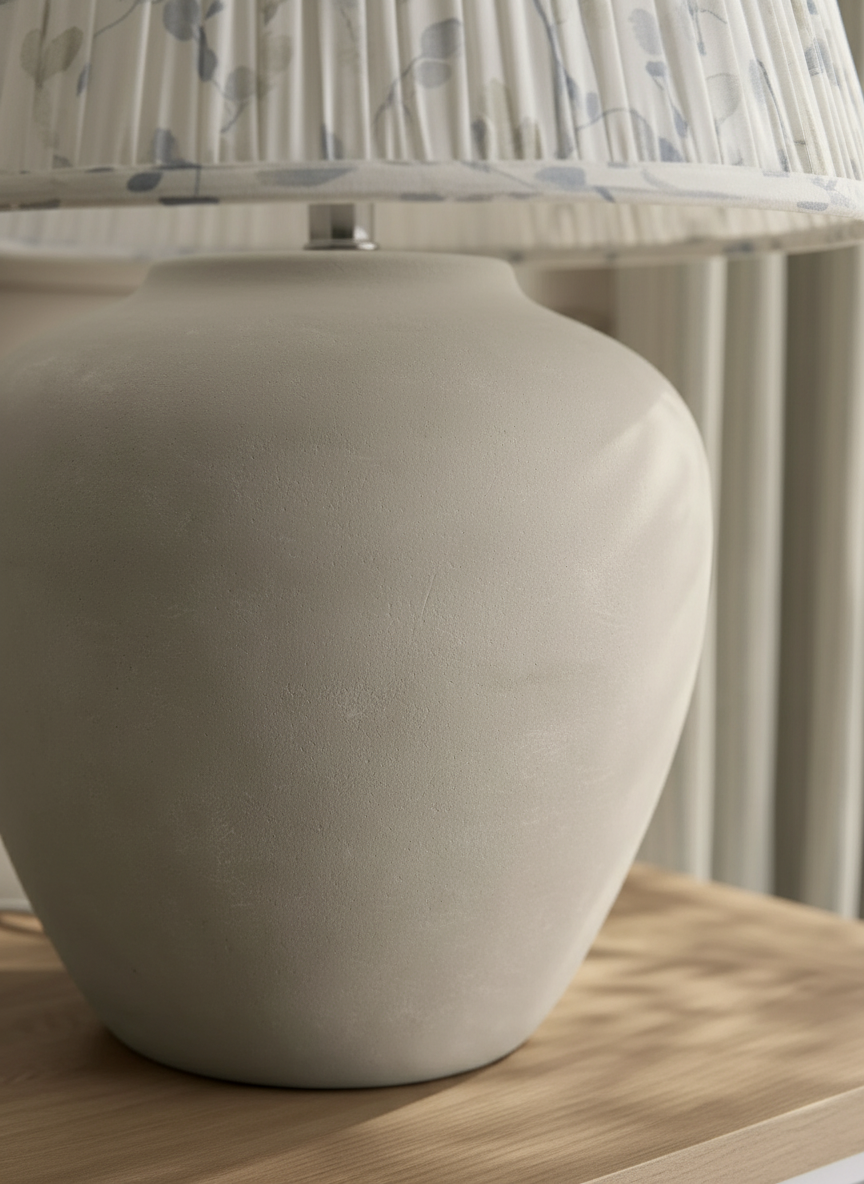
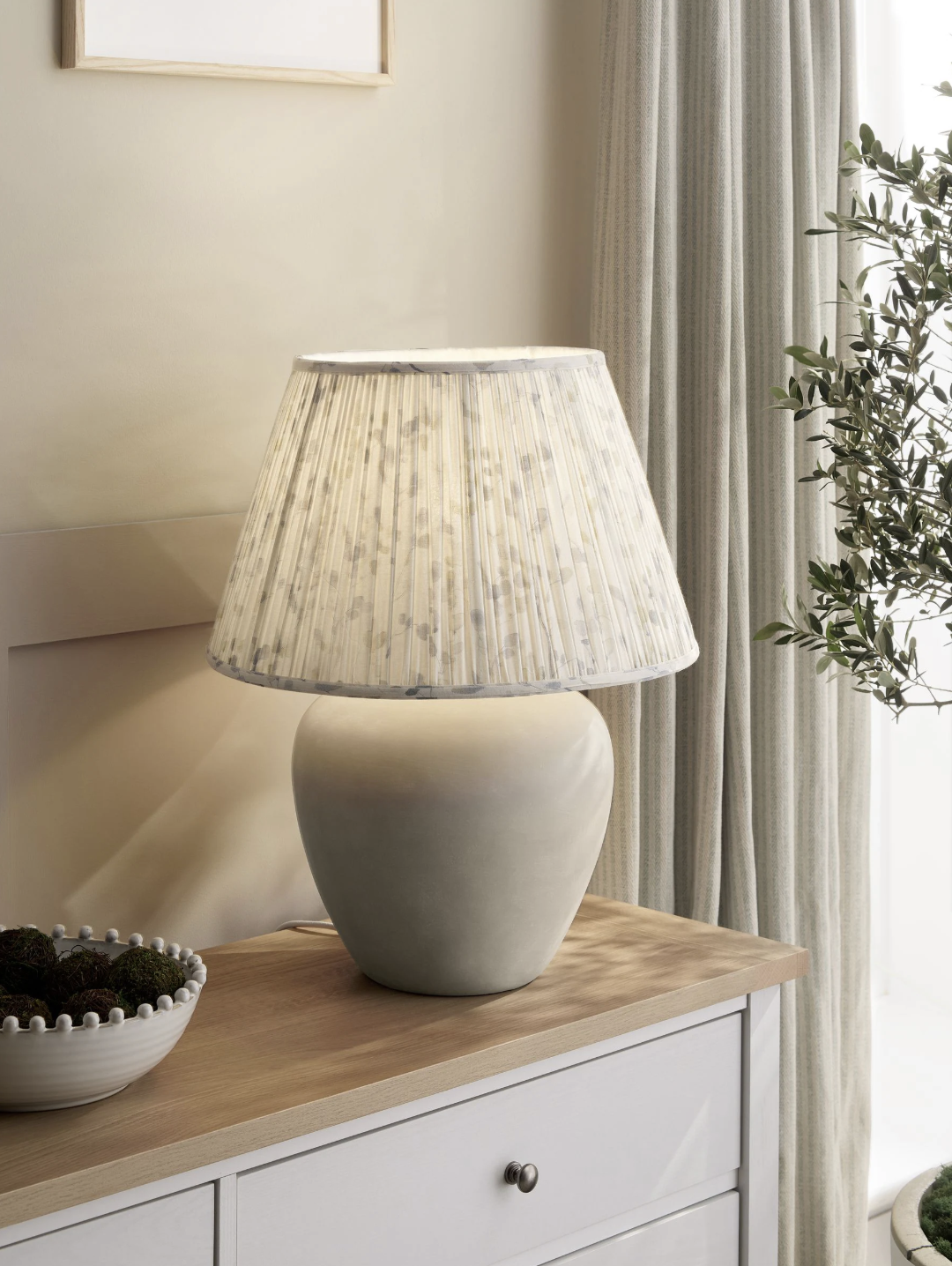
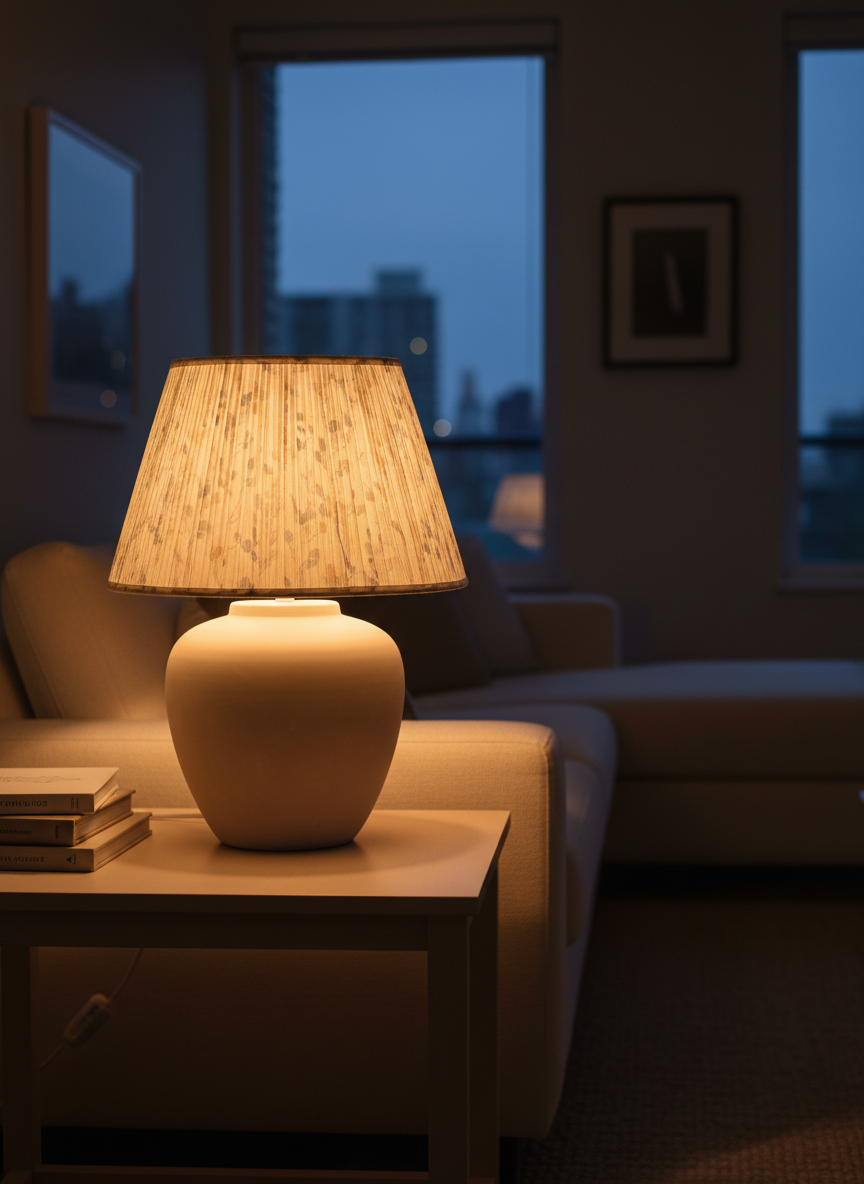
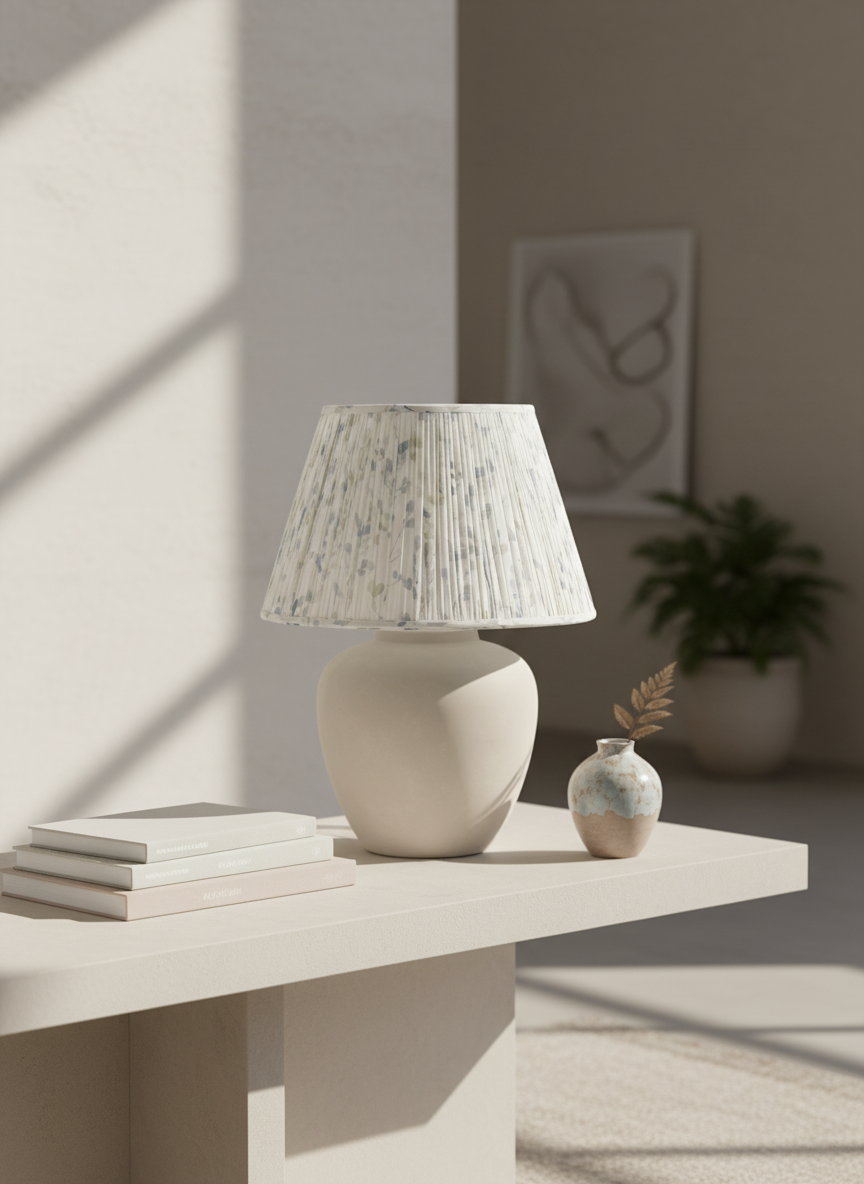
AI-Generated Product Images
See the quality and versatility of images created by Catalogo


How It Works
Create professional product images in three simple steps
Add your product & images
Upload your product photos and any reference images you already have
Select images & customize prompt
Choose which product photos to enhance and pick a quick prompt or write your own
AI generates ready-to-use images
Get professional product photos in seconds, optimized for any platform
Why Choose Catalogo
Transform your e-commerce business with AI-powered product photography
No photoshoots
Skip the expensive studio setup and professional photographers
Save time & money
Generate hundreds of product images in minutes, not days
Consistent brand visuals
Maintain a cohesive look across all your product listings
Optimized for product listings
Perfect for e-commerce, marketplaces, ads, and social media
Built for E-commerce Professionals
Whether you're selling on your own site or major marketplaces, Catalogo has you covered
E-commerce Product Listings
Create stunning images for your online store that convert browsers into buyers
Social Media & Ads
Stand out on Instagram, Facebook, and ad platforms with eye-catching visuals
Marketplaces
Optimize listings for Shopify, WooCommerce, Amazon, Etsy, and more
Marketing Campaigns
Generate diverse assets for seasonal campaigns and promotions
FAQ & Guidelines
Everything you need to know about using Catalogo
Frequently Asked Questions
Guidelines for Best Results
Describe your product clearly
State exactly what the image should focus on—object, color, material, shape, and style. Include camera perspective if relevant (e.g., 'close-up', '45° angle', 'top-down view').
Add context and purpose
Explain how the image will be used: product listing, social media, hero image, or lifestyle content. This helps the AI optimize composition and lighting.
Choose the right background
White or neutral backgrounds are best for product catalogs and marketplaces. Lifestyle or environmental backgrounds work better for branding and social media.
Specify lighting and mood
Describe the lighting style (natural, studio, soft, dramatic) and mood (modern, cozy, luxury, minimal). For example: 'Soft natural daylight with a clean, modern feel.'
Keep styling consistent
For multiple product images, reuse similar backgrounds, lighting, angles, and color palettes to maintain a cohesive visual identity across your catalog.
Iterate for precision
Start with a clear base prompt, then adjust one detail at a time. Use reference images when exact positioning or layout is important.
What to avoid
Avoid vague prompts like 'nice product photo'. Don't mix too many styles or moods in a single request. Complex scenes work best when broken into steps.
Ready to transform your product photography?
Join thousands of e-commerce professionals who trust Catalogo to create stunning product images that drive sales.
Start Creating Images